An affiliate storefront is a brilliant, highly profitable blog page you really don’t want to miss out on.
It showcases products/services you’re promoting, builds trust with your audience, and guides them to take action.
Most importantly, it can increase your earnings!
The bad news?
Setting up a storefront can feel like a monumental task.

The process usually involves installing a plugin, creating a widget, downloading and importing multiple templates, then customising them.
The good news?
I’ve just made the process MUCH easier for you!
You can grab my exact affiliate offers page (below) for FREE and customize it to your liking.
All you need to do is download and import my free template with the boop of a button.

No plugins, no widgets, no product or storefront templates.
Just one simple page template you can import and customize with your own choice of text, colours, fonts, and of course, affiliate links.
No guesswork, no time wasting.
Sound good?
Here’s how to steal my resources page!
What You’ll Need
Before we dive in, here’s what you need to get started:
- The Divi Theme – My templates are built for Divi by Elegant Themes, the most popular WordPress theme in the world.
Make sure it’s installed on your WordPress site before proceeding.
Here’s how to do that:
> Download and install Divi <
- My Affiliate Offer Template
Click here to download my resource page template.
Step-by-Step Instructions to Import and Customise
Setting up your affiliate offer page is quick and easy.
Just follow these steps:
- Create a New Page
- In WordPress, go to your dashboard and click on Pages > Add New.
- Name your page (e.g. ‘shop’ or ‘resources’)


- Select “Build From Scratch”
- Select the Divi Builder and choose the Build From Scratch option.
- Select the Divi Builder and choose the Build From Scratch option.

- Import the Template
- Click the Portability icon (an up-and-down arrow).
- Upload the template file you downloaded earlier and click Import.


- Customise the Page
- Update the text with your own affiliate offer details.
- Add your images to make it visually appealing.
- Don’t forget to include your affiliate links


- Publish Your Page
- Hit the Publish button, and your affiliate offer page is live!
That’s it!
That’s how quick and painless setting up a resource page can be.
I hope my template helps you increase your affiliate income.
Got my fingers crossed for you!
PS. If you’d like to access all of my blog, website and Pinterest templates and colour palettes, you can find them in my course, Blogging Blueprint – which is FREE to anyone who starts their blog with this link.
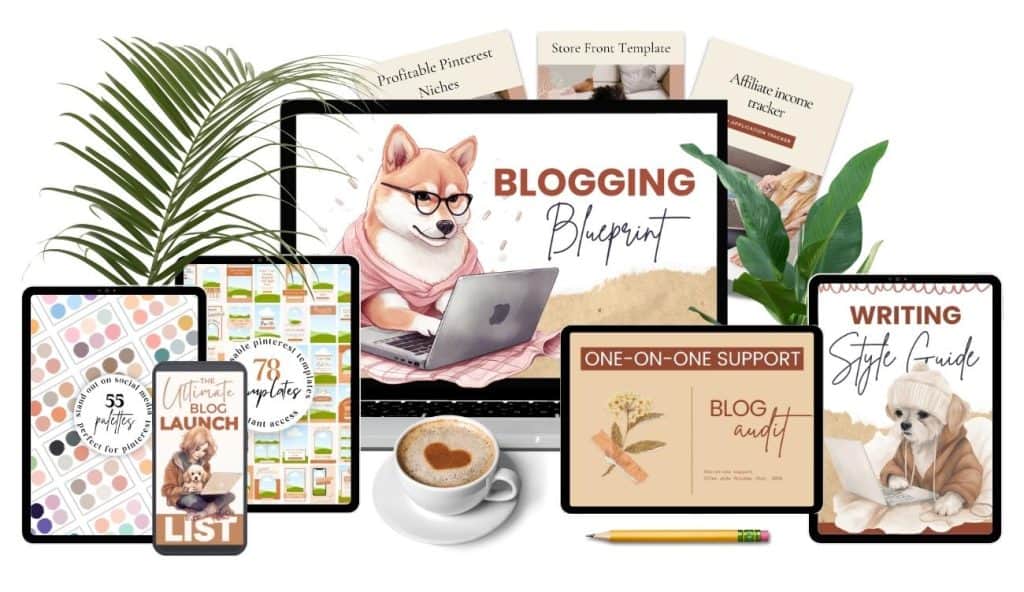
Just email laura@autipreneur.co (.co – not .com) and let me know the date + time you signed up and I’ll send you your free coupon within one day.

0 Comments